Reminder: The Medicare annual Open Enrollment Period (AEP or OEP) or Annual Enrollment Period starts October 15th and continuing through December 7th of each year and during the OEP you will have the opportunity to change, drop, or add Medicare prescription drug coverage or Medicare Advantage plan coverage - and if you wish to keep your current Medicare Part D prescription drug plan or your Medicare Advantage plan next year, you do not need to take any action during the OEP.
Important Tip #1: If your Medicare plan is not offered next year, then you may be without drug or extra healthcare coverage for the entire year.
Each year, some Medicare Part D drug plans and Medicare Advantage plans discontinue operations in certain areas - often called a Service Area Reduction. As an example, over 7 million people are enrolled in a 2025 Medicare plan (PDP, MA or MAPD) that will be discontinued in 2026. Please remember that in late-September, your Medicare plan will send you an Annual Notice of Change (ANOC) letter and will tell you whether your Medicare Part D or Medicare Advantage plan will be offered next year.
Important Tip #2: If your plan is offered next year, be sure you know how your Medicare plan is changing.
Your current Medicare Part D or Medicare Advantage plan can (and probably will) change every year. Before deciding to stay with your current plan, please be sure that you understand the changes in your plan for next year. Remember, many things can change in your Medicare Part D or Medicare Advantage plan, including:
- monthly plan premiums (may increase)
- initial deductibles (may increase)
- prescription drugs that are covered (your formulary can change year-to-year)
- drug utilization management criteria (your medications may now be subject to Prior Authorization or Quantity Limit restrictions)
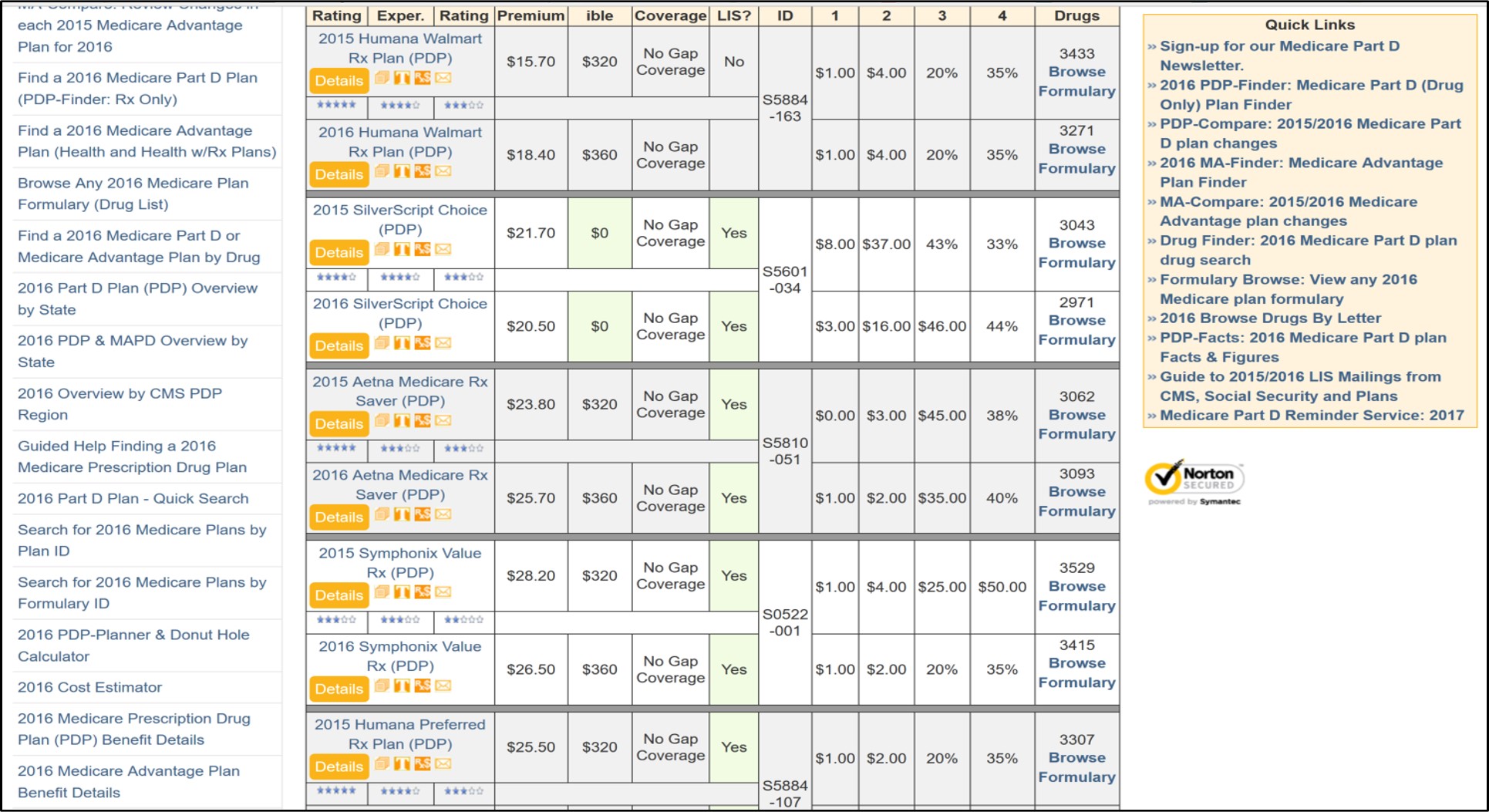
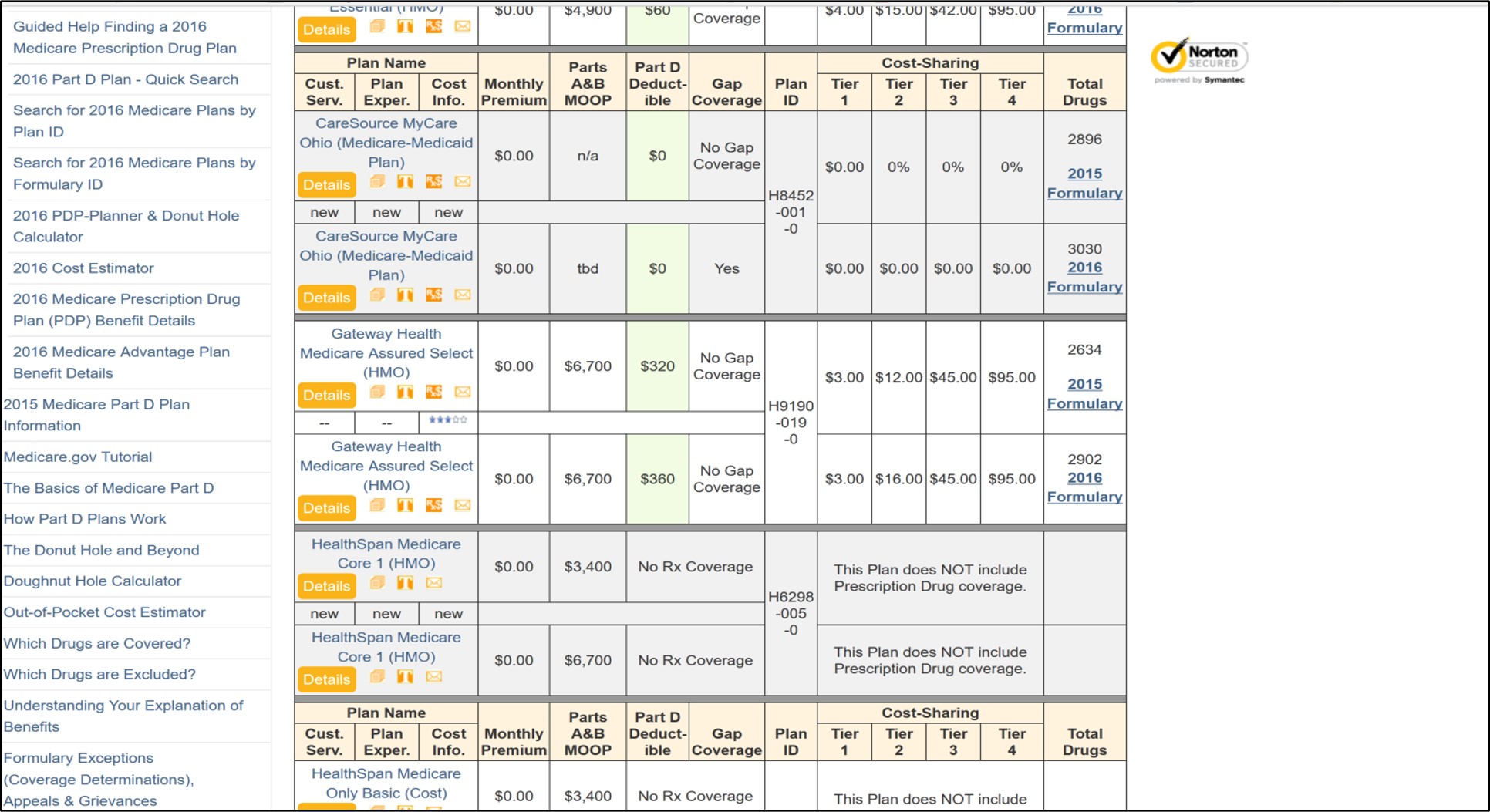
Using our PDP-Compare and MA-Compare tools to see basic plan annual plan changes.
Another quick way to view the changes in your Medicare prescription drug plan (or PDP) is to use our online PDP-Compare. To start, just select your state and then type in a portion of your Part D plan name - for example, you can type "Well" or "WellCare" for the "WellCare" plans to see changes just in your state's WellCare prescription drug plans. (After entering the name, be sure to click on the "Search" button.
To see changes in all Medicare Part D prescription drug plans in your state, just choose only your state and click on "Search".
If you wish to see basic changes in your Medicare Advantage plan, then you can use our MA-Compare tool. To begin enter your Zip or choose a state and county to see how all MA or MAPDs in your area are changing next year.
Here is an example link to PDP-Compare (you can choose your own state):